
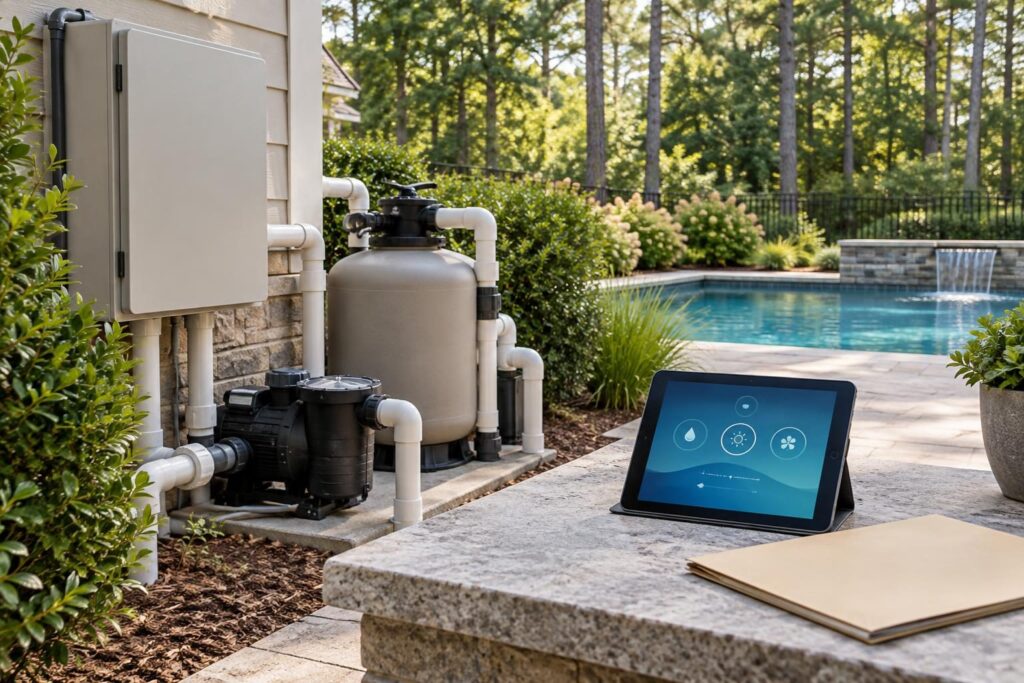
Use this pool automation account ownership transfer checklist before accepting the digital portion of your pool handover. Opening an app and switching on lights does not establish account ownership. You also need control over recovery information, service permissions, subscriptions, and the equipment’s saved configuration. For North Carolina homeowners, these details belong beside manuals, warranties, and inspection records—not in an installer’s memory.

The goal is not to exclude your service provider. It is to preserve useful service access while keeping responsibility clear. Verify each important representation through account screens, manufacturer instructions, or written support confirmation.
Define account ownership before the walkthrough
Pool automation connects equipment controls through a controller, often with an app and an online service. The controller is the device that coordinates supported equipment functions. An account may provide remote access without giving you full authority over the installation.
Ask the installer to identify the platform’s highest homeowner-controlled role. Labels such as owner, administrator, user, and dealer differ between products. Do not assume that an administrator can transfer ownership or remove every service connection.
- Whose email address owns the pool’s equipment record?
- Who can invite users, remove access, and change recovery information?
- Does a separate dealer account remain associated with the controller?
- What process applies when you change contractors or sell the home?
Include account setup, training, transfer assistance, and records in the written scope. Identify who resolves manufacturer account problems. If equipment changed during construction, compare account features against the approved selection. Use the equipment substitution review to document any differences.
Verify administrator access and account recovery
Create or accept ownership using an email account you control. Avoid a contractor’s address or an employer account you could lose. Use a unique password stored securely, rather than sharing your everyday email password.
During handover, sign in yourself on your own device. Confirm that the correct property and equipment appear. Have the installer explain the ownership screen while you navigate it.
- Check the primary email address and recovery phone number.
- Enable multifactor authentication if supported; it adds another identity check at sign-in.
- Store recovery codes securely, separate from the general project folder.
- Confirm how to recover access after losing your phone.
- Review household users and remove obsolete invitations.
Ask whether changing an email address transfers ownership or merely changes notifications. If ownership remains uncertain, obtain written clarification from manufacturer support through an independently verified contact channel. Save the case number and resolution. Do not place passwords or recovery codes in contractor emails or shared punch lists.
Preserve installer access without sharing ownership
Service access can help a technician review faults or adjust settings. Its usefulness does not require an unclear account arrangement. Ask whether the platform supports a separate service invitation with defined permissions.
Document who receives access, which company they represent, and what they can do. Viewing equipment status differs from changing schedules, heater settings, or chemical-control settings. Clarify whether access reaches only your pool or other connected household devices.
- Can you revoke service access without resetting the controller?
- Will changes identify the user who made them, if activity records exist?
- Which adjustments require your approval before the technician proceeds?
- When should permissions be reviewed or removed?
If separate roles are unavailable, request the manufacturer’s recommended service method. Agree on supervised access or another supported arrangement that avoids routine password sharing. Confirm any limitations in writing.
A provider’s reluctance to change access does not prove misconduct. Ask whether a technical restriction explains it, then verify that explanation independently.
Map network dependencies and subscription responsibilities
An app, internet connection, and controller may perform different jobs. Ask which functions operate locally and which require the manufacturer’s online service. Do not assume schedules stop—or continue—when the internet fails.
Record the controller’s connection method, whether Wi-Fi, cable, or a separate communications device. Keep network credentials secure. The general handover file should identify the connection arrangement without exposing passwords.
- Who owns any network bridge or communications device?
- Who updates the connection after a router or Wi-Fi password change?
- Which controls and alerts depend on internet access?
- Are remote features included, trial-based, or separately billed?
- Whose payment method funds any subscription?
- What changes if a subscription ends or the online service becomes unavailable?
Verify current terms through the manufacturer or account billing screen. Save the plan description, renewal information, cancellation instructions, and responsible account holder. Separate these charges from any contractor maintenance agreement. Identify who provides network troubleshooting and whether that assistance falls outside the original scope.
Save the automation settings before making changes
Your pool automation account ownership transfer checklist should include a dated configuration record. Account access alone will not recreate carefully adjusted operating settings after a reset or replacement.
Ask whether the system supports an export or backup. If it does not, request screenshots and a written settings summary. Firmware—the controller’s internal software—can affect available features, so record its version when accessible.
- Controller model, serial number, and equipment associations.
- Equipment names matched to physical labels.
- Pump schedules, speeds, and the controller’s time zone.
- Heater settings, operating priorities, and pool-to-spa modes.
- Lighting programs, water-feature schedules, and notification recipients.
- Professional explanations of freeze settings and protective functions.
Have the qualified installer explain settings that depend on adequate water flow or equipment coordination. Do not experiment with valve assignments or chemical-control settings. Pair heater information with your heater startup records.
Photograph accessible labels and closed control-panel exteriors. Ask for installation photographs taken before wiring or other work was covered. Never open electrical compartments to obtain documentation.
Request a supervised demonstration of local controls
Schedule an equipment-pad demonstration with the qualified installer before closing the training item. Local controls are the buttons or screen at the equipment, rather than commands sent through an app. Their availability varies by system.
Have the installer demonstrate an ordinary operating command, then let you repeat it under supervision. Learn how to identify the current mode, read an alert, and return to normal automatic operation. Ask which controls homeowners should leave alone.
Request an explanation of behavior during three separate events: lost internet, unavailable online service, and electrical power loss. A local controller may help during a network outage but cannot overcome missing power. Do not test failures by unplugging equipment, opening panels, or bypassing protective devices.
Ask the installer to demonstrate offline operation only through a safe, manufacturer-supported procedure. Otherwise, obtain written instructions. Record any unavailable demonstration as an open training item.
Automation and phone alerts do not replace supervision or physical safety layers. Review Pool Safely’s safety guidance. Ask how protective functions behave during outages; do not treat freeze automation as guaranteed winter protection.
Turn account handover gaps into written closeout items
Bring the pool automation account ownership transfer checklist to the final walkthrough, but keep its acceptance items specific. “App installed” is not the same as “homeowner ownership verified.” Add digital handover to your broader new pool final walkthrough review.
- Ownership: Save a dated screen or confirmation showing your role, with sensitive details protected.
- Service access: List authorized users, permissions, and removal instructions.
- Operation: Record completed training and unanswered questions.
- Settings: Retain the backup or screenshot collection.
- Open items: Assign a responsible party and agreed follow-up date.
Missing records, inconsistent explanations, or payment requests ahead of agreed training warrant clarification—not an automatic accusation. Compare completion claims with the written scope and payment milestones. Request a written correction plan for unfinished obligations. Seek qualified legal advice about payment disputes rather than improvising a remedy.
Keep account acceptance separate from required inspections. An ownership screen does not establish electrical safety, workmanship quality, or code compliance. Preserve inspection and correction records separately.
Keep control after handover
Revisit the pool automation account ownership transfer checklist after changing service companies, replacing a router, or transferring the property. Record who changed settings and why. Keep configuration records current, and review service permissions when relationships change.
Consult manufacturer support for account restrictions and a qualified pool contractor for operating questions. Use a licensed electrician for electrical concerns. North Carolina requirements vary by jurisdiction, adopted code, property conditions, and project scope. Confirm permit or inspection questions with your local inspections department; digital handover does not replace those approvals.