
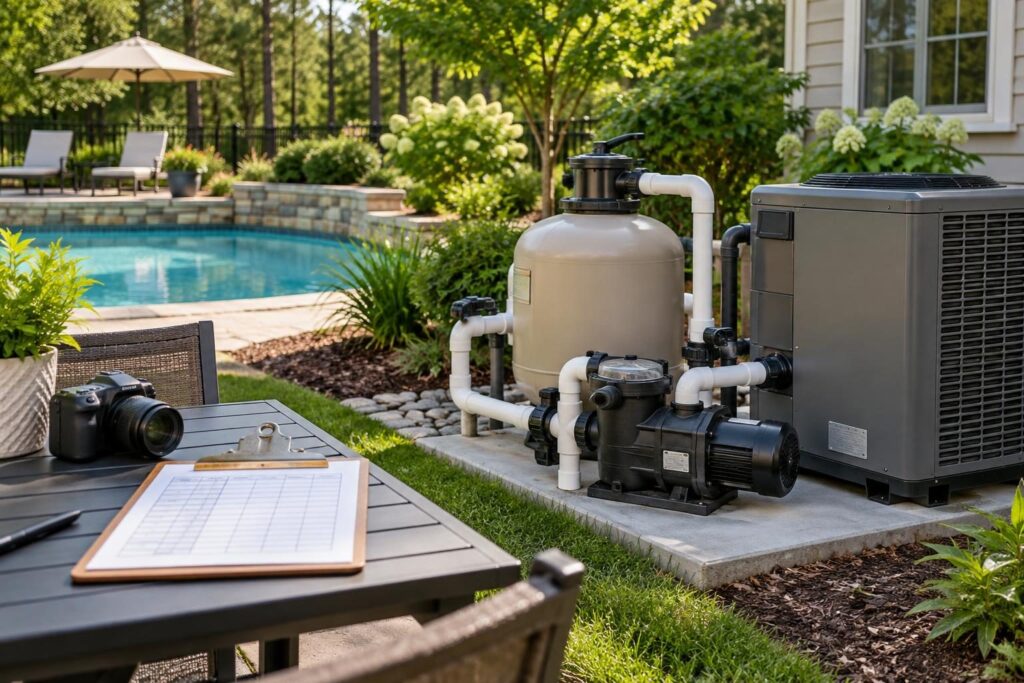
Before final handover, pool equipment model serial number invoice reconciliation helps you connect installed products with the paperwork supporting your purchase. The goal is straightforward: identify each installed unit, compare it with approved selections, and resolve differences in writing.
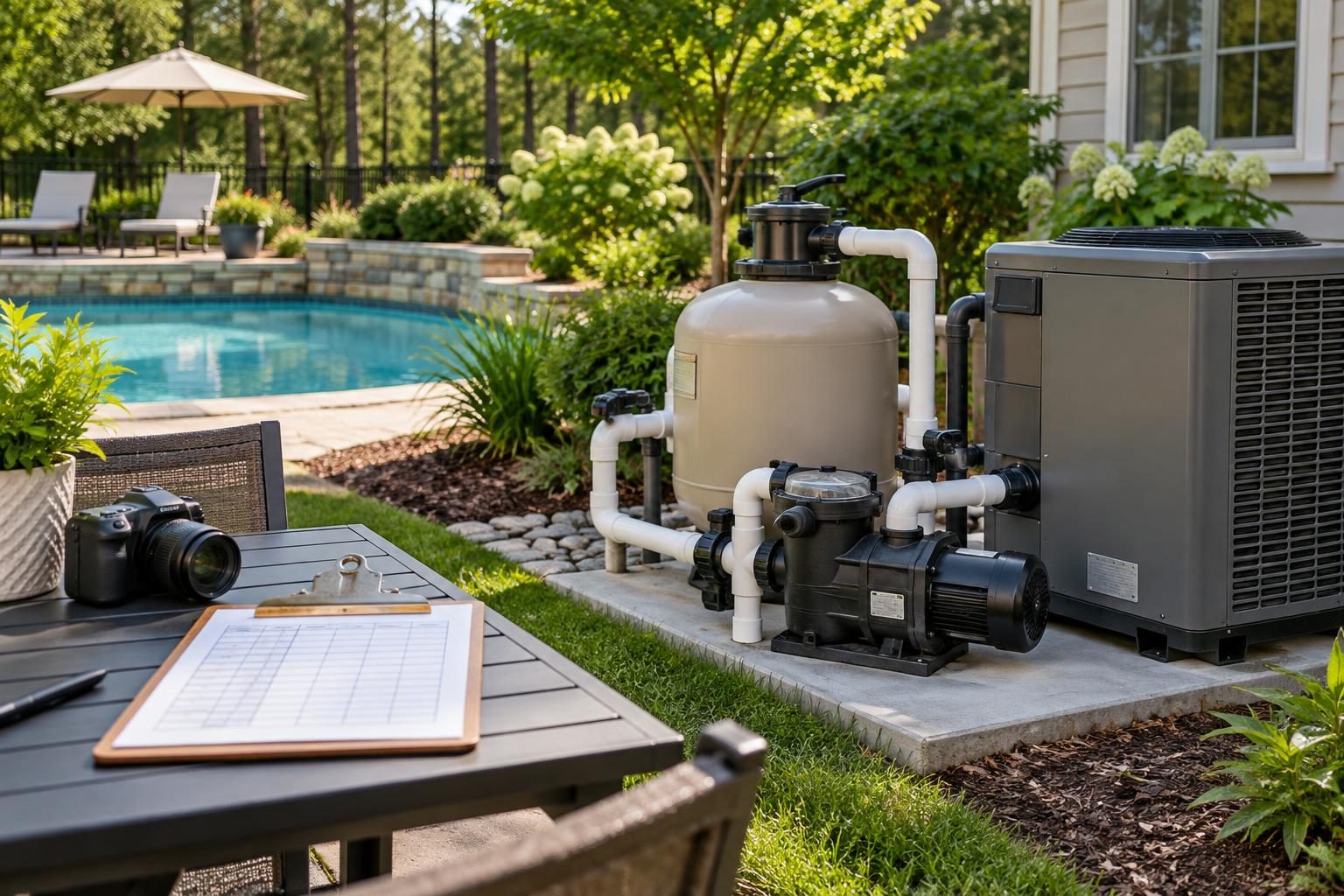
A working pump or heater does not establish that every document identifies the correct product. Conversely, a mismatched number does not prove an unauthorized substitution. A typing error, component label, or outdated invoice may explain the difference. Verify the facts before deciding what needs correction.
Understand what model and serial numbers establish
A model number identifies a product version or configuration. A serial number identifies an individual unit. Both matter, but they answer different questions.
The model helps you compare the installed product with your approved specifications. The serial number connects that particular unit with registration, service, and warranty records. Manufacturer naming systems vary, so ask for help interpreting unclear labels.
Equipment can also have several identifiers. A pump assembly, its motor, and its controller may carry different labels. A salt system may identify the control center separately from the chlorine-producing cell. Record each relevant component without assuming every number should match.
- Product name: The family or marketing name.
- Model number: The specific product identifier, including suffixes.
- Serial number: The identifier assigned to the individual unit.
- Component or part number: An identifier that may describe only part of the system.
Keep letters, spaces, and punctuation exactly as printed. Do not shorten a number simply because two products look alike.
Gather the approved equipment and invoice records
Start with the signed contract, equipment schedule, approved product sheets, and written change orders. A change order records an agreed revision to the original work. Add invoices, delivery records, startup paperwork, and registration confirmations.
Identify the latest approved selection for each item. A later document is not automatically an approved change. If records conflict, ask the contractor to identify the written approval supporting the installed product.
Build your pool equipment model serial number invoice reconciliation sheet around these source records, rather than memory or sales descriptions.
- Save original files before requesting corrections.
- Record each document’s date and revision identifier.
- Separate approved changes from proposals awaiting approval.
- Note missing records instead of filling gaps with assumptions.
A bundled contract may not assign a separate price to every device. Request an itemized equipment schedule or supporting invoice detail without assuming each unit needs its own sales invoice.
Photograph installed labels without opening equipment
Take one overview photograph showing each item’s location. Then photograph accessible labels closely enough to read every character. Record the observation date and use filenames that identify the equipment.
Stay outside electrical enclosures and protective covers. Do not reach near moving parts, hot surfaces, exposed wiring, or unstable footing. Ask the installer to document labels that are hidden or unsafe to access.
Capture labels before landscaping, screening, or other work limits visibility. Photograph relevant work before it is covered when access is safe and the contractor permits it. Never remove a safety cover to obtain a better picture.
- Include the main circulation pump and any separate feature pumps.
- Record the filter, heater, and sanitation equipment.
- Include automation components and other separately identified accessories.
- Request installation records for inaccessible products, such as underwater lighting components.
Packaging can provide supporting information, but it does not establish which unit was installed. Compare the equipment label itself whenever safely possible.
Create one equipment comparison row per unit
Use a spreadsheet or printed worksheet. Give separate units separate rows, even when they share the same model. That prevents serial numbers from becoming attached to the wrong device.
For pool equipment model serial number invoice reconciliation, each row should connect an installed unit to its supporting records.
| Field | What to enter |
|---|---|
| Equipment and location | Function and a clear location description |
| Approved selection | Manufacturer, full model, and approval document |
| Installed identifiers | Observed model, serial number, and label photograph |
| Billing record | Invoice reference, description, and quantity |
| Registration and warranty | Listed model, serial number, owner, and confirmation reference |
| Open question | Difference, assigned contact, requested action, and status |
Use plain status labels: “matched,” “clarification requested,” “correction pending,” or “verified closed.” A blank field should remain visibly unresolved.
For broader billing checks, use the guide to matching invoices with completed work. This equipment review addresses product identity, not every payment requirement.
Separate paperwork errors from equipment changes
Compare full identifiers, not just brand names. Similar-looking products may have different capacities, controls, electrical needs, or included accessories. Ask the contractor or manufacturer to explain any suffix difference.
Classify each discrepancy before requesting a remedy:
- Transcription question: A document appears to contain a mistyped model or serial number.
- Identification question: One record may describe a component rather than the complete assembly.
- Approval question: The installed model differs from the approved selection without a located approval.
- Quantity question: The listed number of units differs from your observations.
- Registration question: The confirmation identifies a different unit or owner.
Do not treat a manufacturer’s statement of compatibility as evidence of homeowner approval. Those are separate questions. Likewise, a corrected invoice does not establish that the installed product meets the agreed specifications.
If an equipment change needs evaluation, review the equipment substitution comparison checklist. Request a documented comparison before deciding whether to accept a proposed resolution.
Request a specific correction or written explanation
Send one organized discrepancy list with supporting photographs and document references. Describe what differs without assigning blame. Ask who will respond and when you should expect the next update.
A useful written request can include:
- Equipment item and installed location.
- Approved model and its source document.
- Installed model and serial number shown in your photograph.
- Conflicting invoice or registration entry.
- Correction or explanation you need.
For a paperwork error, request a revised record that clearly references the original. For an unexplained equipment change, request the approval record and technical comparison. Include any proposed credit, added cost, warranty effect, and correction responsibility in the written resolution.
If explanations remain inconsistent, request manufacturer confirmation or qualified independent review. Reluctance to document an important answer warrants follow-up, but does not by itself establish wrongdoing.
Preserve original emails, attachments, revised records, and your response. After a phone conversation, send a short written summary and request confirmation.
Verify registrations, warranty records, and performance claims
Check that registration confirmations identify the installed units and the correct homeowner details. Ask who submitted each registration and obtain the confirmation itself, not only a verbal assurance.
Warranty terms vary by manufacturer, product, installation circumstances, and other conditions. Registration alone does not establish every coverage term. Compare the applicable warranty document with the purchase, installation, and startup records.
Use the warranty date and registration verification guide to address conflicting dates without assuming which date controls.
If your approved specifications include an ENERGY STAR claim, consult the ENERGY STAR pool pump resource when checking the exact model. Do not infer certification from a brand name or variable-speed description alone.
Matching identifiers does not prove correct sizing, safe installation, successful startup, or completed inspections. Keep those reviews separate and retain their supporting records.
Close each discrepancy with evidence
Before signing completion paperwork, review the open-item list with the contractor. Ask what each signature confirms. Check payment obligations against your contract; do not assume a paperwork discrepancy automatically changes those obligations.
For every resolved item, retain the corrected document, explanation, approval, and any new label photograph. If equipment was replaced, update the serial number throughout the file. Request applicable service, inspection, and correction records.
Complete your pool equipment model serial number invoice reconciliation with an agreed list of anything still outstanding. Record responsibility, the next action, and the evidence needed to close each item. Keep unresolved punch-list work visible rather than marking the entire file complete.
North Carolina requirements vary with jurisdiction, adopted code, property conditions, utilities, septic systems, flood zones, and project scope. Consult local inspections staff about permit or inspection implications. Use a licensed pool contractor, electrician, engineer, or other qualified specialist for installation, electrical, or performance questions beyond document matching.