
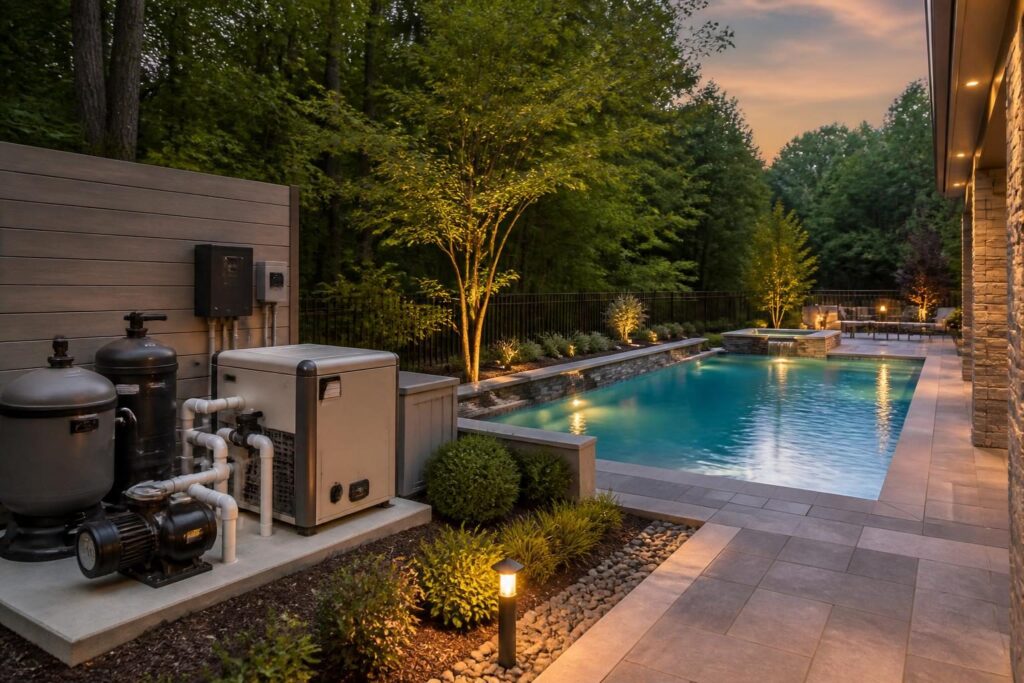
Pool automation system planning can shape more than the controls on a phone. It can affect pump selection, heater operation, sanitation, lighting, sensors, wiring, equipment space, and future service. If you wait until the pool is finished, some useful options may become harder or more expensive to add.
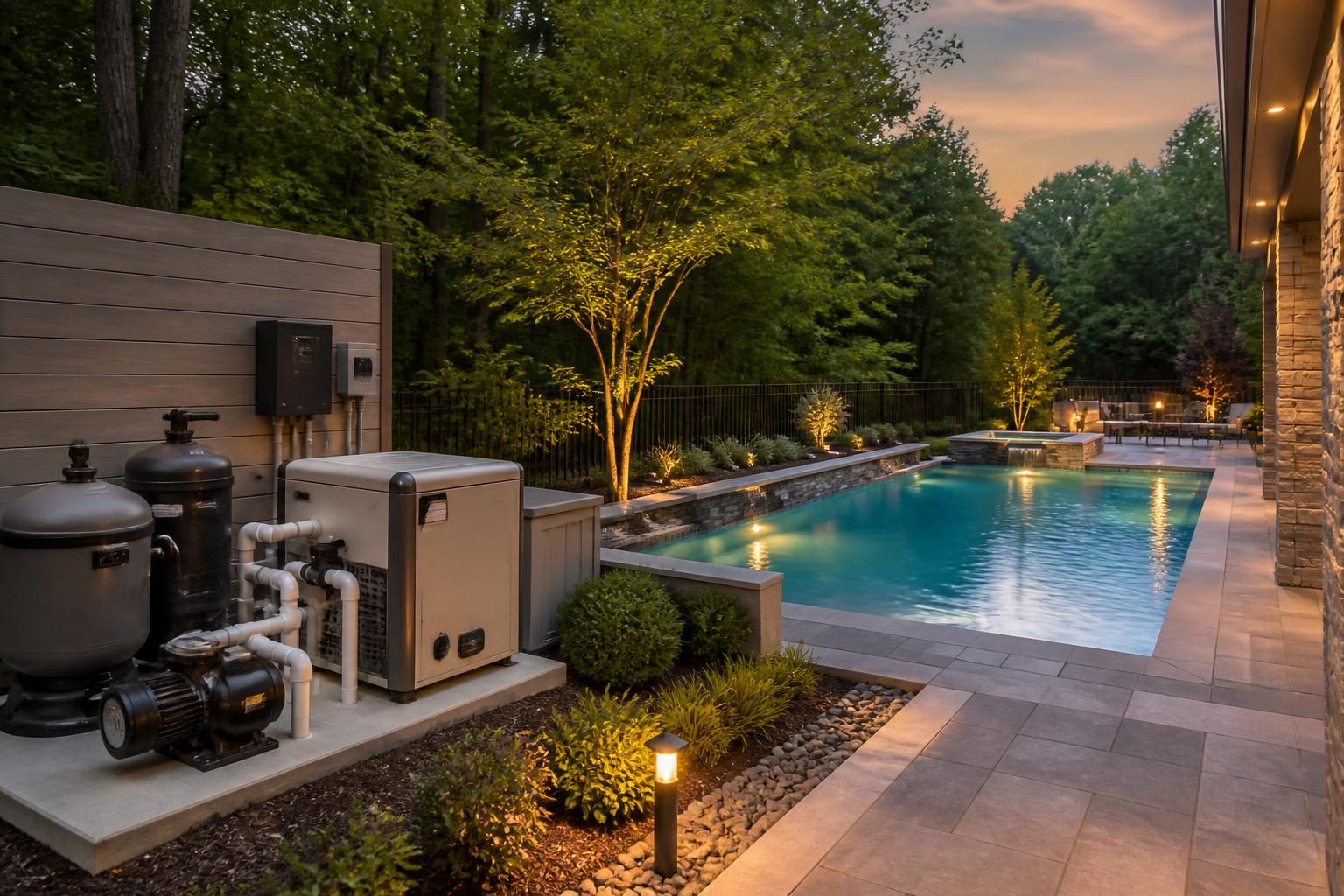
Automation means using a controller to coordinate pool equipment. Early pool automation system planning may include schedules, sensor readings, and remote adjustments. It does not remove the need for testing, cleaning, inspections, or professional service. Instead, good planning should make routine decisions clearer and equipment operation more consistent.
Start with the pool automation features you actually need
Begin with daily tasks rather than brand names. List what you want the system to do, who will use it, and what should still work if the internet or controller fails. A simple system may schedule a pump and control a heater. A more capable system may coordinate several pumps, lights, water-treatment equipment, temperature sensors, leak detection, and alerts.
Ask whether each proposed feature solves a real problem. Remote access can help when you want to check a temperature or change a schedule before arriving home. A sensor may provide useful information, but it does not automatically prove that water chemistry is safe. An alert can prompt action, but it cannot replace a test kit or qualified service.
- Which tasks should run automatically every day?
- Which settings should require an intentional confirmation?
- Do different household users need different access levels?
- What alerts would be useful rather than annoying?
- Can the system operate locally without a cloud connection?
Write these answers into the design discussion. That record can help you compare proposals that include different equipment and control capabilities.
Coordinate pumps, heaters, and water treatment
The pump moves water through the circulation system. The heater raises water temperature. Sanitation equipment helps control contaminants through methods such as chlorine dosing or chlorine generation. Automation can coordinate these components, but only when the equipment and control platform support the required connections.
For example, a controller may need to start circulation before allowing a heater to operate. It may also need to manage a salt chlorine generator, chemical feeder, booster pump, or cleaner. The exact sequence depends on the equipment and manufacturer instructions. Ask the pool professional to show the proposed control diagram, not just a feature list.
Energy use deserves attention during this stage. Pump schedules, flow requirements, heater settings, and filtration needs all influence operating choices. A certified efficient pump may be worth comparing through the ENERGY STAR pool pump information, while still confirming that its size and controls suit your complete system.
Use this equipment checklist:
- Confirm the pump model, control method, speed range, and required flow.
- Ask how the heater receives an automation command and how circulation is verified.
- Identify every sanitation device and its compatibility requirements.
- Confirm whether separate relays, sensors, or communication modules are needed.
- Record which settings remain the homeowner’s responsibility.
For salt systems, review cell placement, flow protection, chemistry requirements, and compatible materials. The related saltwater pool system guide explains why chlorine generation does not eliminate testing and maintenance.
Plan pool lights and sensors before finishes are installed
Lighting decisions include more than color changes. Consider how many lights you need, where they will be visible from the house, and whether the controller can dim or schedule them. Ask how the system handles a failed light, a disconnected module, or a replacement part that is no longer available.
Sensors may measure water temperature, flow, pressure, chemical conditions, air temperature, or equipment status. Each sensor has a purpose and a maintenance need. Some require calibration, cleaning, replacement, or a protected installation location. Ask what the reading means and what action should follow an alert.
Do not treat a sensor as a safety barrier. Pool safety still depends on physical barriers, supervision, safe access, and other layers. North Carolina requirements can vary by jurisdiction and adopted code. Review current information through the North Carolina Office of State Fire Marshal documents, then confirm the project’s requirements with the local inspections department.
For lighting and sensor planning, document:
- Each device location and the access needed for replacement.
- The power source and control connection for each device.
- Expected readings, normal ranges, and alert conditions.
- Cleaning, calibration, and replacement instructions.
- Whether a qualified professional must perform service.
Design the electrical system around the complete equipment list
Automation adds controls, communication devices, transformers, relays, and sometimes a larger equipment load. The electrical design should account for the complete proposed system, not only the pump shown in an early sketch. This review may include panel capacity, circuits, disconnects, grounding, bonding, wet-location requirements, lighting, and equipment placement.
Do not select electrical components from an online product page and assume they will fit. The electrician should review manufacturer instructions, the actual equipment schedule, and applicable local requirements. Pool electrical work involves serious shock and fire risks. It belongs with a qualified electrician who can determine the correct design and coordinate required inspections.
Give the electrician a current list of pumps, heaters, lights, sanitation devices, automation panels, outlets, and future provisions. Ask what happens during a power interruption. Some systems restart automatically, while others retain settings but need a manual reset. Document the answer before installation.
Also plan service access. A crowded panel or buried conduit can make future troubleshooting harder. The equipment-area design should leave room for safe work, ventilation where required, drainage, and replacement of major components. See the guide to pool equipment location planning for related layout questions.
Verify equipment compatibility before approving the proposal
Compatibility is one of the most important parts of pool automation system planning. Two products may both advertise automation support but use different communication methods, connection modules, or control limits. A controller may operate a relay without reading detailed data from the device. Those are different capabilities.
Request a written compatibility review. It should identify each equipment model, the connection type, the required accessory, and the functions available through the controller. Ask whether a feature depends on a subscription, a separate gateway, a particular home network, or a discontinued platform.
Questions for the pool professional
- Which devices communicate directly with the controller?
- Which devices are switched only on and off?
- What happens if a component is replaced with another model?
- Do third-party controls preserve all warranties?
- Who updates firmware, and how do update notices reach you?
- What equipment remains outside the automation system?
Keep model numbers, wiring diagrams, manuals, configuration files, and accessory details with your project records. Compatibility can change when a homeowner replaces one part years later.
Include manual fallback and clear handover instructions
Remote control is convenient, but every essential function needs a practical fallback. You should know how to run circulation, turn off a heater, control lights, and respond to an alert at the equipment pad. A manual fallback may be a physical switch, local control panel, manufacturer-approved procedure, or another method described in the instructions.
Ask the installer to demonstrate normal operation and a basic failure scenario. For example, request a demonstration of local control when the internet is unavailable. Do not experiment with energized equipment or bypass safety controls. If the procedure is unclear, ask a qualified professional to explain it.
A useful handover package may include:
- Equipment schedule with model and serial numbers.
- Wiring, plumbing, and control diagrams.
- Initial schedules and setpoints.
- Sensor locations and maintenance instructions.
- Account ownership and app-transfer instructions.
- Warranty documents and service contacts.
- Manual operating procedures.
Apply basic cybersecurity habits to remote pool controls
Connected pool equipment is part of your home’s digital environment. Treat the controller, app, gateway, and home network as systems that need routine care. Use a unique password for the account. Turn on multi-factor authentication when the manufacturer offers it. Keep the app, controller, router, and phone updated through trusted channels.
Limit account access to people who need it. Remove former users and review shared access periodically. Avoid posting controller credentials in project messages or leaving them on an exposed label. If the system supports separate homeowner and service accounts, ask how each account works.
Cybersecurity does not guarantee that a product will remain supported. Before buying, ask how long security updates are expected, whether the system can work locally, and what happens if the cloud service changes. Store the recovery information securely, but keep a written manual fallback for equipment operation.
Use a decision checklist before construction
Pool automation system planning reaches a useful approval point when the controls match the equipment and your daily routines. Review these points before signing off on the equipment package:
- A controlled device has a specific model or an approved selection range.
- A control diagram shows pumps, heaters, lights, sanitation, sensors, and relays.
- An electrical professional has reviewed the complete load and control plan.
- Good design addresses equipment access, ventilation, drainage, and replacement space.
- Compatibility limits and required modules appear in writing.
- The installer explains manual operation for power, internet, app, and sensor failures.
- Remote access, subscriptions, user accounts, and updates are clear.
- The project records include the handover documents.
Keep the approved equipment schedule with permits, inspection records, invoices, manuals, and photos. If the design changes, update the schedule rather than relying on memory. Good pool automation system planning gives future service providers a clearer starting point.
Build a Pool in North Carolina encourages homeowners to treat automation as part of the original pool design, not a last-minute accessory. For permits, electrical work, barriers, equipment compatibility, or site-specific conditions, consult the local inspections department and the appropriate licensed pool contractor, electrician, engineer, surveyor, or other qualified specialist.